CLOUDEAGLE ALTERNATIVE
DoowDoow
CloudEagleCloudEagle

Doow vs CloudEagle

CloudEagle is built primarily for IT and security teams, with finance as a secondary layer. Doow takes the opposite approach — we primarily serve finance and procurement, so you own the entire workflow, from spend and payments to contracts, renewals, and usage telemetry.

Finance-first, with IT in the loop.

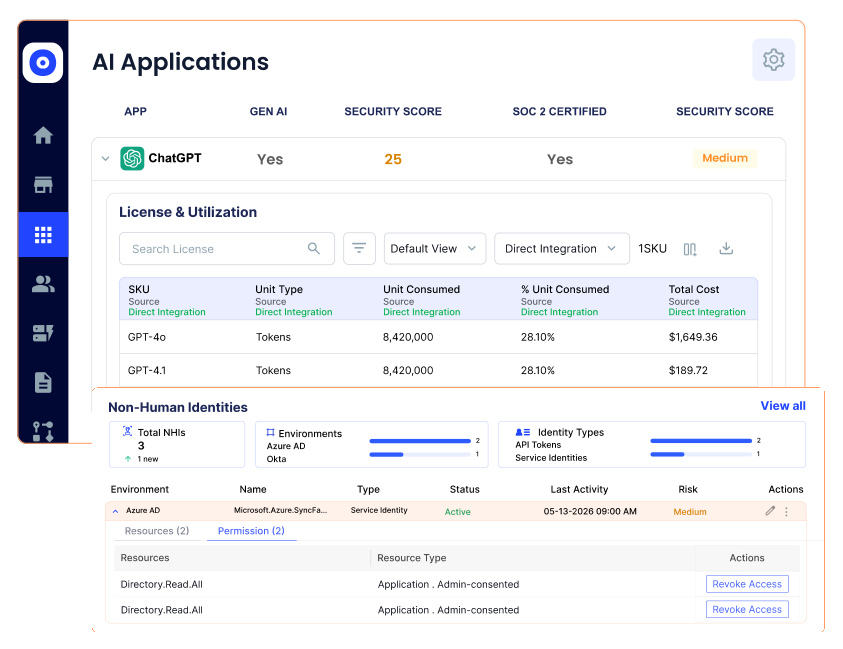
CloudEagle excels at identity governance and compliance automation — but those are IT concerns. Doow puts finance and procurement at the center, with IT in the loop for approvals, access, and security.

Doow
CloudEagle

Every software dollar, accounted for.

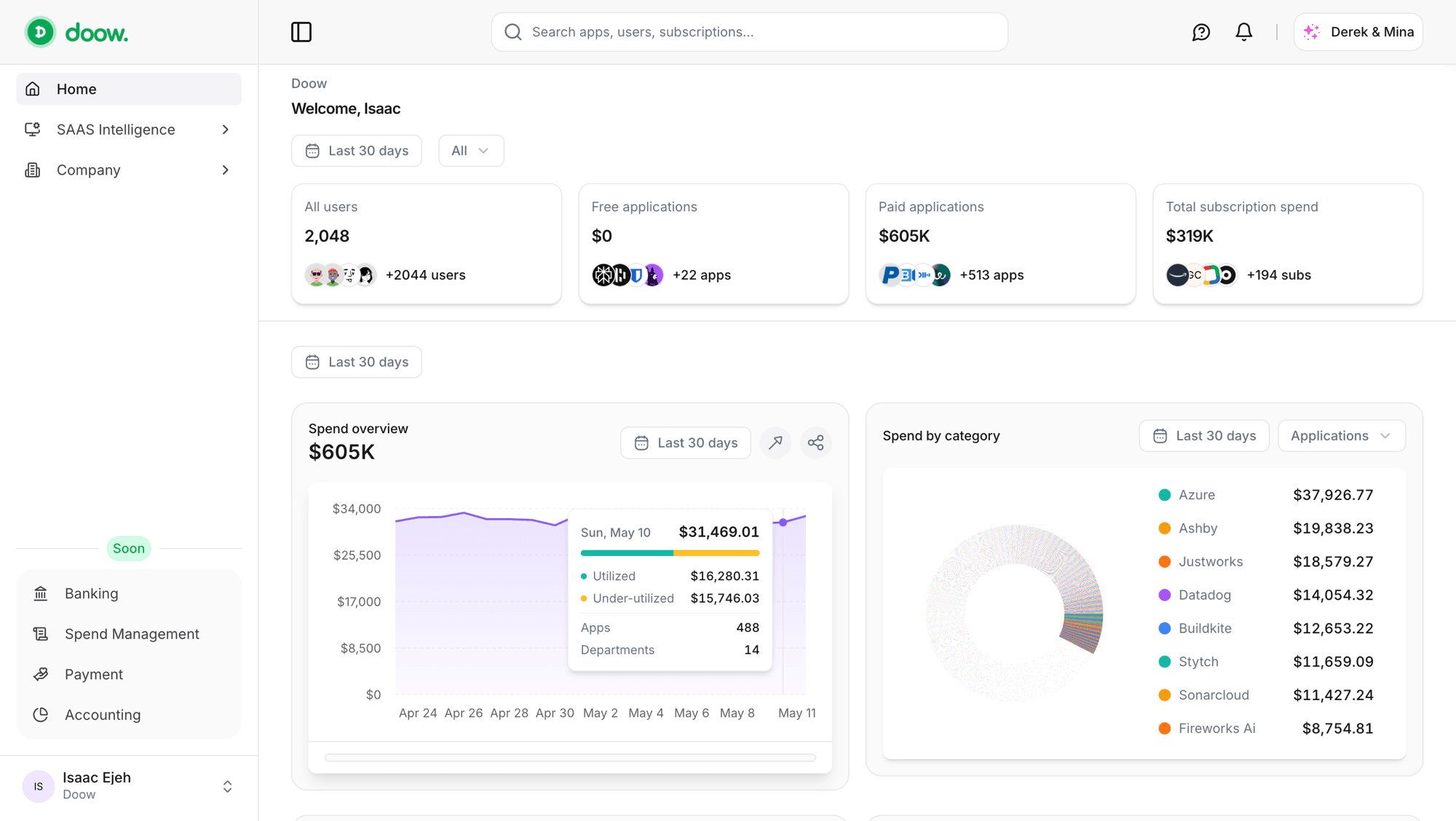
Doow keeps spend, ownership, and usage in one view — from intake through procurement, payment, and renewal. You can find overlap, see what’s actually being used, and act before waste becomes another renewal.

See spend, ownership, and usage in one view — from intake through procurement, payment, and renewal. Act before waste becomes another renewal.

Find overlap with usage evidence.

See who uses each app, when they last used it, and what overlapping subscriptions cost. Doow gives finance the evidence to consolidate tools with confidence.

See who uses each app, when they last used it, and what overlapping subscriptions cost.

See where every payment came from.

Doow brings card, bank, and invoice transactions into one view, with the source and payment channel attached to every expense.

Know what’s coming before renewal day.

See renewal dates, amounts, and status in one calendar, so you can decide what to renew, renegotiate, or cancel before money leaves the bank.

Doow vs CloudEagle pricing

CloudEagle starts at $2,000/month, with custom pricing for enterprise contracts. Compare our transparent pricing plans with their publicly available features.

Pricing plans
Compare featuresFind the better fit for your teamStarter$69/moCloudEagle$2,000/mo+
Discovery & insights
Tracked spendMonitor recurring, usage-based, and one-time software spend, including seat costs, in one placeUp to $100K
Vendor directoryKeep each vendor, subscription, owner, and contract record together
Number of tracked applicationsTrack the number of software applications discovered across connected sourcesUnlimited
Number of tracked vendorsCount the vendors represented in your software and spend dataUnlimited
Number of tracked employeesSee how many employees are associated with the applications you trackUnlimited
Number of tracked departmentsSee software spend and usage by departmentUnlimited
Overlap detectionFind teams paying for tools that do the same job
Alternative app suggestionsSurface lower-cost or better-fit alternatives to the tools you already use
Renewal calendarSee upcoming renewals by date, vendor, amount, and contract
Renewal alertsGet notified before a subscription renews so you can act in time30-day30/60/90-day
Inactive license detectionIdentify paid seats and subscriptions with little or no recent activity
ReportsTurn spend, usage, renewals, and savings data into finance-ready reportsBasic
Manual spend import (CSV)Bring in spend data from CSV when a direct connection is not available
Contract uploads/OCRUpload contracts and extract dates, amounts, terms, and renewal details
Purchase Orders (POs)Create and track purchase requests before software spend is committed
Invoices/Receipt uploadsKeep invoices and receipts attached to the spend they document
Contract spend poolsTrack prepaid commitments and shared contract balances as they are used
License models (seat, usage, flat-rate, prepaid)Model seat, usage, flat-rate, and prepaid billing in the same workspace
Overage and add-onsRecord variable charges and add-ons against the subscription they belong to
Annual prepay amortizationSpread annual commitments across the periods they cover
Metered usage eventsIngest usage events from metered products and monitor consumption over time1.5M/mo
Team & access
Doow seatsGive finance, IT, and procurement teammates access to the Doow workspace2
SAML SSOLet team members sign in through your existing identity provider
Two-factor auth (2FA)Add a second verification step when users sign in
Custom roles & approvalsControl what each role can do and who must approve purchases
Sign-in activity logReview when users signed in and how they accessed the workspace
AI: Derek & Mina
Smart tokens includedMonthly Derek and Mina usage included with your plan2M/mo
Smart token overageContinue using Derek and Mina beyond the included allowance at a published rate$3.00 per 1M
Other AI modelsUse supported third-party models and pay for their provider usagePay as you go
AI action approvalsRequire approval before an AI assistant takes an external or financial action
AI spreadsheets & documentsUse AI to analyze, build, and update spreadsheets and documents
AI presentation/deck builderTurn source material into presentation and deck drafts
AI web & browser researchLet AI research websites and browser-accessible sources for a task
External market & financial dataBring market and financial data into AI analysis and decisions
AI spend forecasting & optimizationForecast software spend and identify opportunities to reduce it
Persistent AI memoryKeep approved context available to Derek and Mina across conversations
Dedicated sandboxesRun AI work in isolated environments for safer testing and execution
Cards & banking
Virtual cardsIssue cards for software spend without changing your existing bank100
Bank connectionsConnect bank accounts and cards to bring transactions into Doow1
Per-card spending limitsSet a spending ceiling for each virtual card
Card dispute managementTrack and manage disputes for card transactions
Platform
Browser extensionCapture software usage and context while people work in their browser
Desktop agentCollect application activity from desktop software installed on company devices
CLIManage Doow workflows and integrations from the command line
SDKBuild custom integrations against Doow using a supported software development kit
Docker sidecarRun Doow alongside workloads as a containerized service
Direct LLM provider syncConnect supported LLM providers directly to Doow
OpenTelemetry (OTLP) ingestSend OpenTelemetry traces and usage signals into Doow
API accessConnect internal systems to Doow programmatically
Integrations
HRIS integrationsSync employee and department data from your HR system1
Accounting integrationsSend spend and transaction data to your accounting system1
IdP integrationsConnect identity providers to map people, teams, and application access1
400+ SaaS integrationsConnect common SaaS tools to bring usage and spend data together
Observability sourcesUse telemetry sources to understand infrastructure and AI usage
Slack automation/botRoute approvals, alerts, and Doow actions through Slack
Microsoft Teams automation/botRoute approvals, alerts, and Doow actions through Microsoft Teams
Telegram automation/botRoute approvals, alerts, and Doow actions through Telegram
Custom integrationsConnect internal or niche systems not covered by the standard integrations
Support & compliance
SupportGet help through the support channel included with your planEmail
Security review / complianceProvide security and compliance materials for your review process
Audit logsKeep a record of important changes and activity in the workspace
99.99% Uptime SLAService availability commitment for teams running critical workflows on Doow
Multi-entity & multi-currencyManage separate entities and currencies within one Doow account
FAQ

Your questions, answered

Didn't find what you were looking for? Drop us a message at hello@doow.co, and we'll get back to you soon.

Yes. Both platforms help organizations manage software spend and usage, but they’re built around different priorities. CloudEagle leads with SaaS management, identity governance, and security. Doow puts finance and procurement at the center, connecting intake, payments, invoices, and renewals to real-time utilization across storage, compute, and API calls. IT and department owners can still join when approvals or context are needed.

CloudEagle works through the application and governance layer — app discovery, license and access management, security, and procurement workflows. We start with the financial record — payments, invoices, renewals, and actual utilization. Both surface software data, but CloudEagle organizes it around apps and access, while we organize it around spend and usage.

Finance can connect CloudEagle to finance systems and get spend visibility without replacing its ERP. But the wider platform also draws on identity, access, security, and HR systems typically managed by IT. So finance can use parts of CloudEagle independently, but the full operating picture still depends on cross-functional setup.

CloudEagle connects to finance systems such as NetSuite, QuickBooks, Expensify, and Coupa, but it doesn’t help you pay for software. There are no virtual cards, no direct bank connections, and no payment controls. We include virtual cards and bank connections on every plan, so you can track spend and control payments in the same place.