
Doow logoDoow
Login
Doow logoDoow
  • Pricing
  • Demo
LoginSign up
ALTERNATIVE APPLICATIONS

Clips By Vinci Alternatives

ApplicationsClips By Vinci

Should you replace Clips By Vinci?

Qlip is the strongest catalog alternative to evaluate for Clips By Vinci.

Clips By Vinci

Current
Seat-based Payg
0/5
Annual cost
--
Seats assigned
--

This catalog view compares public market data and does not include organization spend or usage.

Clips By Vinci alternatives

See how Clips By Vinci compares to 9 alternative apps you can switch to.

QLQlipBest FitPublic pricingAvg. switch cost--Qlip removes the editing timeline entirely—just upload and publish—cutting video prep time by 80% versus manual clipping tools.
OCOpus ClipWorth ConsideringPublic pricingAvg. switch cost--Opus Clip reduces repurposing time by 90% for existing content, but cannot generate video from scratch like Clips By Vinci.
2short.AiWorth ConsideringPublic pricingAvg. switch cost--Transforms one hour-long podcast into twenty Shorts automatically, but AI clip selection demands human review to catch off-brand moments.
ONOneclipWorth ConsideringPublic pricingAvg. switch cost--OneClip trades editing control for pure velocity—what takes an hour in Clips By Vinci takes 90 seconds here, but you lose the surgical precision.
KlapWorth ConsideringPublic pricingAvg. switch cost--Klap extracts gold from your existing videos 10x faster than manual editing, while Clips By Vinci starts from blank prompts.
SendshortWorth ConsideringPublic pricingAvg. switch cost--SendShort cuts short-form editing time by 80% but lacks Clips By Vinci's AI avatars and long-form generation capabilities.
Veed.IoWorth ConsideringPublic pricingAvg. switch cost--VEED sacrifices full automation for editing control — expect manual oversight but gain professional-grade subtitle accuracy missing in pure generators.
COContentpi...Worth ConsideringPublic pricingAvg. switch cost--ContentPilots cuts content costs by 50% for text-heavy teams, but requires separate video software to match Clips By Vinci's automated production.
FastcutWorth ConsideringPublic pricingAvg. switch cost--Fastcut sacrifices creative control for velocity — what you gain in daily output, you lose in polish and customization.

Qlip and Opus Clip selected for comparison.

Annual costTotal subscription cost for each app, shown for the selected billing period.
Clips By ...

--

Public pricing

Public catalog pricing. Organization spend is not included.

Qlip

--

Free

Public catalog pricing estimate.

Opus Clip

--

Free

Public catalog pricing estimate.

3-Year Net SavingEstimated savings over three years after migration and setup costs.
Clips By ...

$0

No migration in the current app baseline.

Qlip

--

After $400 estimated migration cost.

Opus Clip

--

After $1,200 estimated migration cost.

Team Fit ScoreHow closely the app matches the teams, workflows, and usage patterns currently in place.
Clips By ...

--

Qlip

82/100

Qlip excels for social media managers and marketers who need high-volume short-form content without editing skills. Professional video editors will struggle with the lack of timeline control and limited customization options. Most content teams see full adoption within two weeks due to the simple upload workflow.

Opus Clip

78/100

Opus Clip excels for social media teams and creators who need to transform long-form content into platform-optimized shorts without editing expertise. Marketing departments see rapid adoption due to automated captioning and resizing, but teams seeking text-to-video generation or AI avatars will find its feature set narrow.

Adoption RiskExpected friction, training effort, and behavior change needed to move teams onto the alternative.
Clips By ...

--

Public adoption signal for the current app.

Qlip

low

Qlip is a high-complexity migration. Estimated 1 week and $400 one-time cost.

Opus Clip

low

Opus Clip is a high-complexity migration. Estimated 1 week and $1,200 one-time cost.

User satisfactionAvailable rating and review signal for team sentiment around the app.
Clips By ...

--

1840 reviews

Qlip

--

1840 reviews

Opus Clip

--

2200 reviews

Timeline & DisruptionExpected migration duration and disruption to normal workflows.
Clips By ...

No migration needed

Qlip

1 week

High

Qlip is a high-complexity migration. Estimated 1 week and $400 one-time cost.

Opus Clip

1 week

High

Opus Clip is a high-complexity migration. Estimated 1 week and $1,200 one-time cost.

Setup & trainingOne-time implementation, enablement, and training investment required.
Clips By ...

--

Qlip

$400

Estimated one-time migration and setup effort.

Opus Clip

$1,200

Estimated one-time migration and setup effort.

Integration CoverageHow much of the current integration and workflow surface is covered by the app.
Clips By ...

100%

Supports 85 native integrations.

Qlip

53%

Supports 45 native integrations.

Opus Clip

53%

Supports 45 native integrations.

Feature Match (%)How closely the app matches current feature needs, including notable gaps or risks.
Clips By ...

100%

Qlip

--

  • No timeline-based manual editing controls
  • Limited custom branding options on starter tiers
  • Export restricted to 1080p on standard plans
  • AI clip selection cannot be finely tuned frame-by-frame
Opus Clip

--

  • Requires existing long-form video; no text-to-video generation
  • Limited to 1080p resolution on lower tiers
  • AI clip selection may miss contextual nuance
  • No built-in AI avatar or virtual presenter features
CertificationsSecurity, privacy, and compliance certifications available for each app.
Clips By ...
SOC 2GDPR
Qlip
SOC 2 Type IIGDPR
Opus Clip
SOC 2GDPR
Choose This IfThe conditions where keeping or switching to this app is likely to make sense.
Clips By ...

You already standardize on this app.

Qlip

You want fully automated clip generation without manual timeline editing

Opus Clip

Choose if you need to rapidly repurpose existing long-form video into social shorts rather than generating video from text prompts.

Avoid This IfThe conditions where this app is likely to create cost, workflow, or adoption risk.
Clips By ...

Public pricing or fit signals no longer match your needs.

Qlip

You need frame-precision cutting or complex multi-layer video compositions

Opus Clip

Avoid if you require text-to-video generation, synthetic avatars, or complex multi-layer video editing.

Stop guessing today.

Start seeing it.

Start for free

Cancel anytime

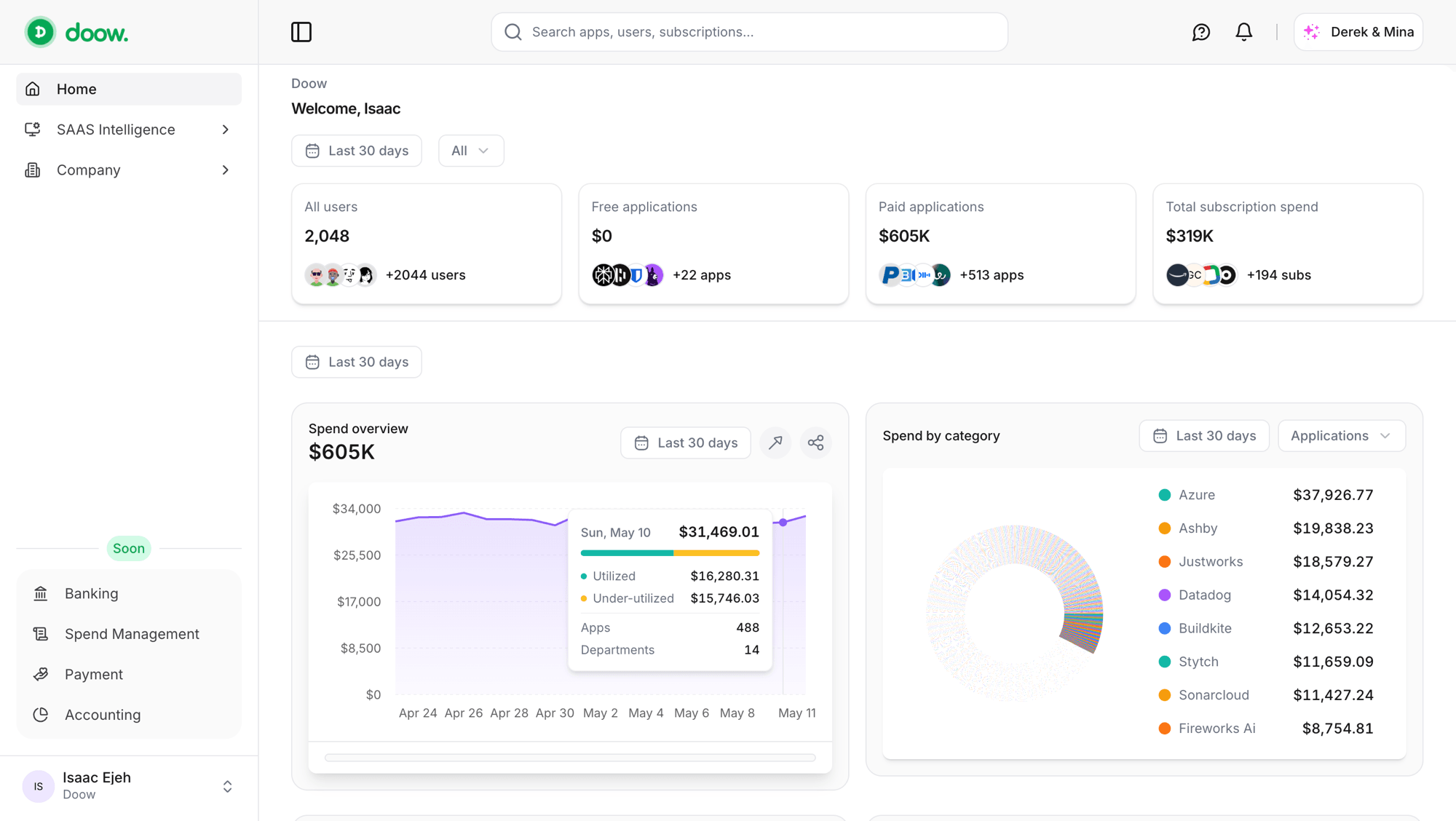
Doow dashboard showing applications, subscriptions, users, and spend overview widgets.

Doow footer navigation

Doow logoDoow

Products

  • Vendor Directory
  • Corporate Cards
  • Subs & Contracts
  • Alternative Apps
  • Derek & Mina
  • Integrations
  • Chrome Extension
  • Firefox Add-on

Resources

  • Blog
  • Documentation
  • Help Center
  • Doow CLI
  • Doow Track SDK

Company

  • About Us
  • Privacy Policy
  • Terms of Use
  • Contact

Contact

1007 N Orange St. 4th Floor,

Wilmington, DE,

United States

Disclaimer

Doow Inc. is a financial technology company duly incorporated under the laws of Delaware, United States of America. Doow is not a bank. Doow offers all of its services in partnership with licensed banking and financial partners in their respective jurisdictions worldwide.

All logos, trademarks and brand names belong to their respective owners. Using these brand items does not imply endorsement with Doow.

© 2026 Doow